
AI Selling Point Image Generator
Aspect Ratio
AI Selling Point Image Generator
Turn your product benefits into an AI selling point image you can publish as-is. Callouts, icon rows, 4-grid, big headline, before and after, competitor comparison, customer reviews - 9 layouts applied in one click. The product photo stays untouched, and text positions and whitespace are laid out for you, with no design software.
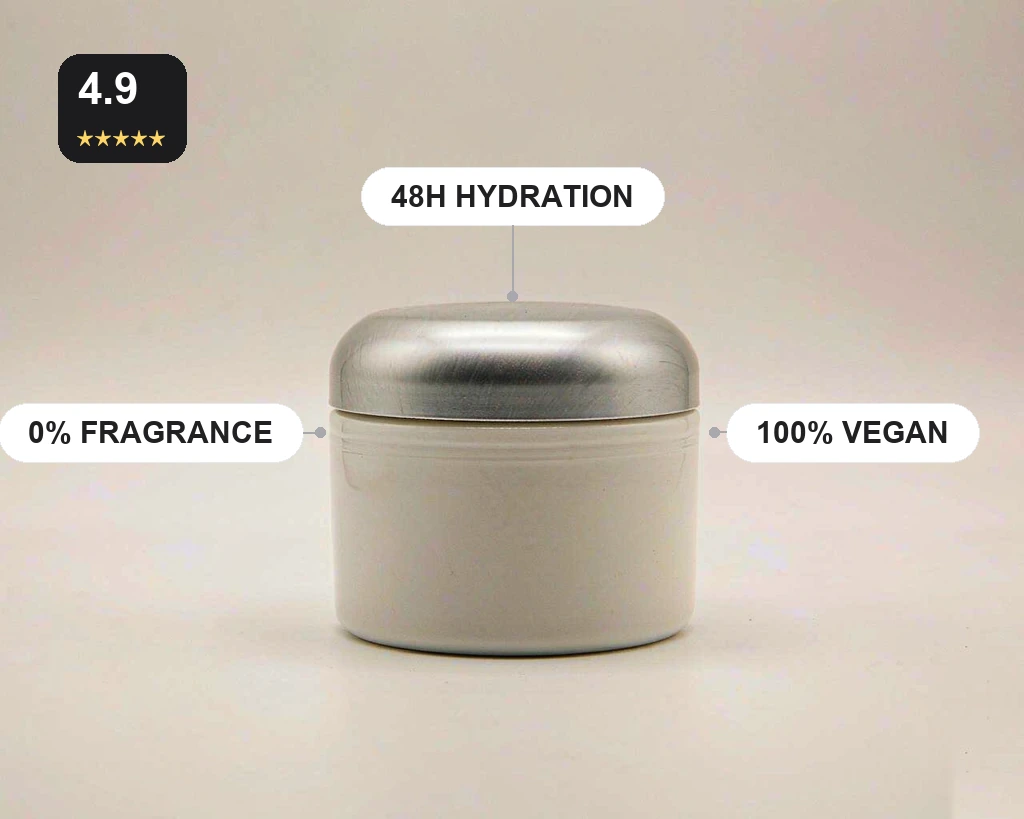 A cream jar with callout benefits
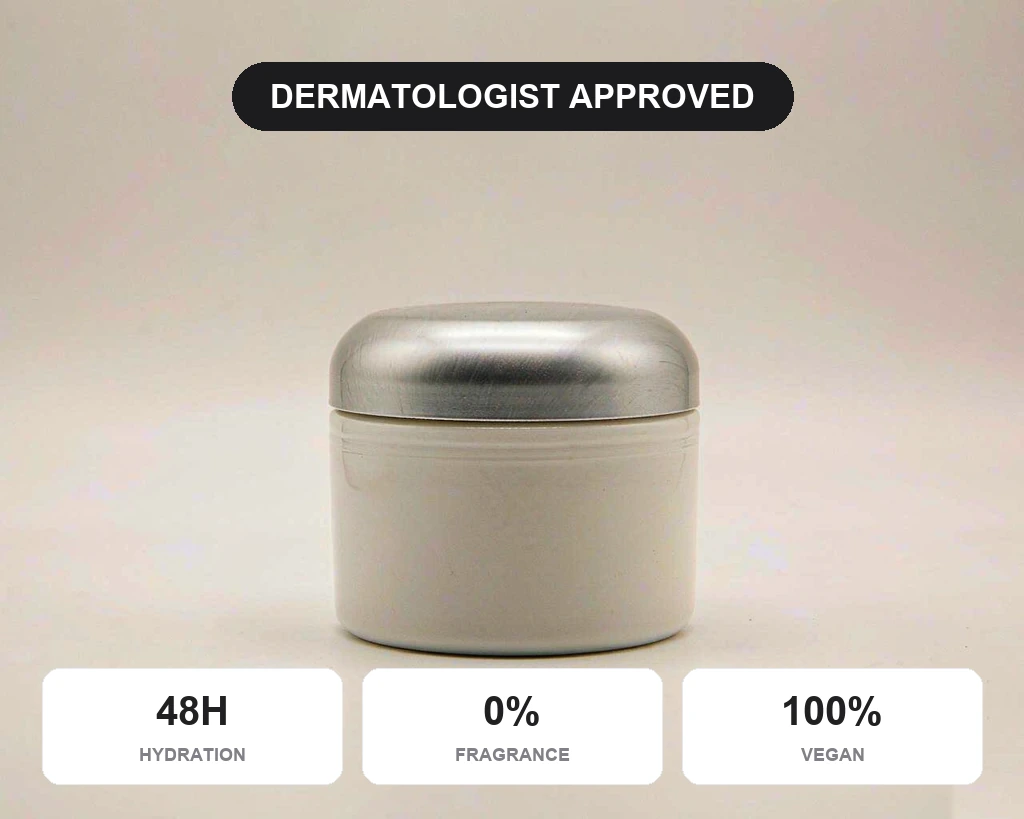 Same jar, stat-card layout
How to make an AI selling point image
Upload a product photo, pick a layout, download the image - three steps, no design software.
Upload a product photo to AI Selling Point Image
A cutout or a clean product shot both work. Centred products with a clear subject give the best result. JPG, PNG and WebP are supported.
Pick a layout in AI Selling Point Image
Text right, callouts, icon row, 4-grid, big headline, before and after, competitor comparison, reviews or lifestyle - 9 layouts to match your platform.
Compare and download your AI Selling Point Image
Check that the text is crisp and the product is not covered. Happy? Download. Not quite? Rerun with another layout.
Why use GenPix for AI selling point images
9 AI Selling Point Image layouts
Text-right, callouts, icon 4-grid, big headline, before and after, competitor comparison, reviews and lifestyle - covering main images, A+ modules and social covers.
AI Selling Point Image keeps the product uncovered
Layouts arrange around the product, with callouts pushed to the edges and cards kept off the subject, so the product is always fully visible.
AI Selling Point Image keeps text readable
Headline, benefits and price follow a clear hierarchy with strong size contrast, still legible at phone-screen scale without going back to a design tool.
No design skills needed for AI Selling Point Image
Pick a layout and generate. No grids, alignment or whitespace to think about; add one sentence in Custom to change the copy.
One AI Selling Point Image in under a minute
Change a benefit or switch a layout and regenerate in under a minute - no design queue before a big sale.
AI Selling Point Image runs in your browser
Desktop, tablet or phone, with no app and no plugin. Sign up and you get free credits to try it.
More e-commerce image tools
Keep working on the same product with another focused AI tool.


AI selling point image questions
Layout choice, text accuracy and overlap, answered.
What is an AI selling point image?
It is a single image that packs the product benefits into text, callouts and icons so a shopper gets the point in three seconds. It usually appears as main images two to five, the detail-page hero or an ad creative. AI Selling Point Image turns a product photo into a labelled feature graphic.
How do I choose between the 9 AI Selling Point Image layouts?
For main images, Big Headline and Callout carry the most information. Detail pages suit 4-Grid and Icons. Use Before & After or Competitor Compare when you have comparison data, and Lifestyle for social covers. You can produce one AI Selling Point Image per feature and stack them in a listing.
Can I write the AI Selling Point Image text myself?
Yes. Type the benefits in Custom, for example "48-hour hydration, zero fragrance, safe in pregnancy", and the layout will use your wording instead of inventing claims. AI Selling Point Image keeps the product itself unchanged.
Will AI Selling Point Image text come out misspelled or garbled?
Short phrases, numbers and common English are usually accurate. Long sentences or unusual characters can occasionally produce wrong strokes, so zoom in on key numbers and claims after generating, and rerun if needed. Every AI Selling Point Image run returns a new file at full resolution.
Will AI Selling Point Image text cover the product?
Layouts arrange around the product, keeping callouts at the edges and cards off the subject. If something overlaps, switch to a layout with more whitespace, or use Text Right. Uploads to AI Selling Point Image stay private to your account.
Can I generate several at once?
One image per run for now. Apply different layouts to the same source photo back to back, roughly a minute each, and assemble them as a main-image set. Batch output is still in development. The AI Selling Point Image output carries no watermark.
Can I use the results commercially?
Yes, for your own store, detail pages and ad campaigns. Claims such as hydration, antibacterial or sun protection must comply with local advertising law - you are responsible for that, not the AI. AI Selling Point Image works best on a clean cut-out of the product.
Does it cost money? Can I use it on my phone?
Signing up gives you free credits to try it, then you pay as you go with no subscription. It runs in a mobile browser, so you can upload, pick a layout and download without installing an app. Check the label text after each AI Selling Point Image run before you publish.
Choose your credit pack
One-time purchase. Credits are valid for one year and never auto-renew.
Lite
Includes
- 600 credits, valid for 1 year
- Up to 600 images (1 credit each)
- No watermark
- Image and video generation
- All image and video models
- Free download, commercial license
Pro
Includes
- 1,500 credits, valid for 1 year
- Up to 1,500 images (1 credit each)
- No watermark
- Image and video generation
- All image and video models
- Free download, commercial license
UltraPopular
Includes
- 3,500 credits, valid for 1 year
- Up to 3,500 images (1 credit each)
- No watermark
- Image and video generation
- All image and video models
- Free download, commercial license
Lay your benefits into a publishable image
Upload a product photo, pick a layout, and get a crisp selling-point infographic in under a minute. 9 layouts, free to try.